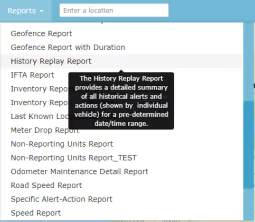
On AirIQ Fleet, select “Reports” and the reports dropdown will show:
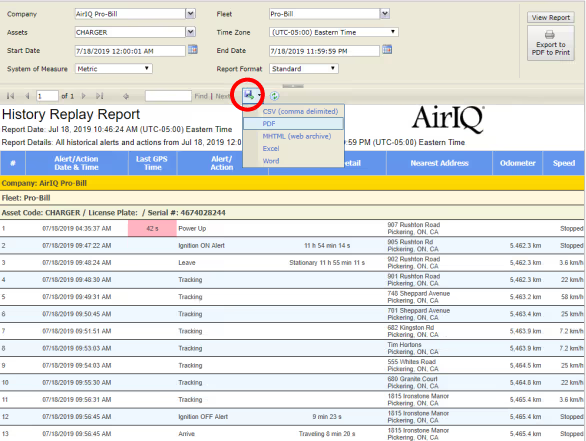
Set your report criteria (assets, start/end dates, fleet(s), etc). Once complete, select “View Report.”

Some reports have a “Report Format” field (shown above as “Standard”). Setting this to “Enhanced” and again selecting “View Report” will give you more detailed address information, additional asset information such as make, model, voltage, ignition and more.
As long as there are results that meet your criteria as defined above, you will now see the report. Thereport can be exported to CSV, PDF, MHTML Excel and Word formats for external use, using the buttonhighlighted below: