
From your computer or mobile device, visit: airiqfleet.com (AirIQ Fleet is entirely compatible with mobile devices!)
Log in to your new account using the credentials provided to you (This includes your email, and a password that you created from your welcome email)
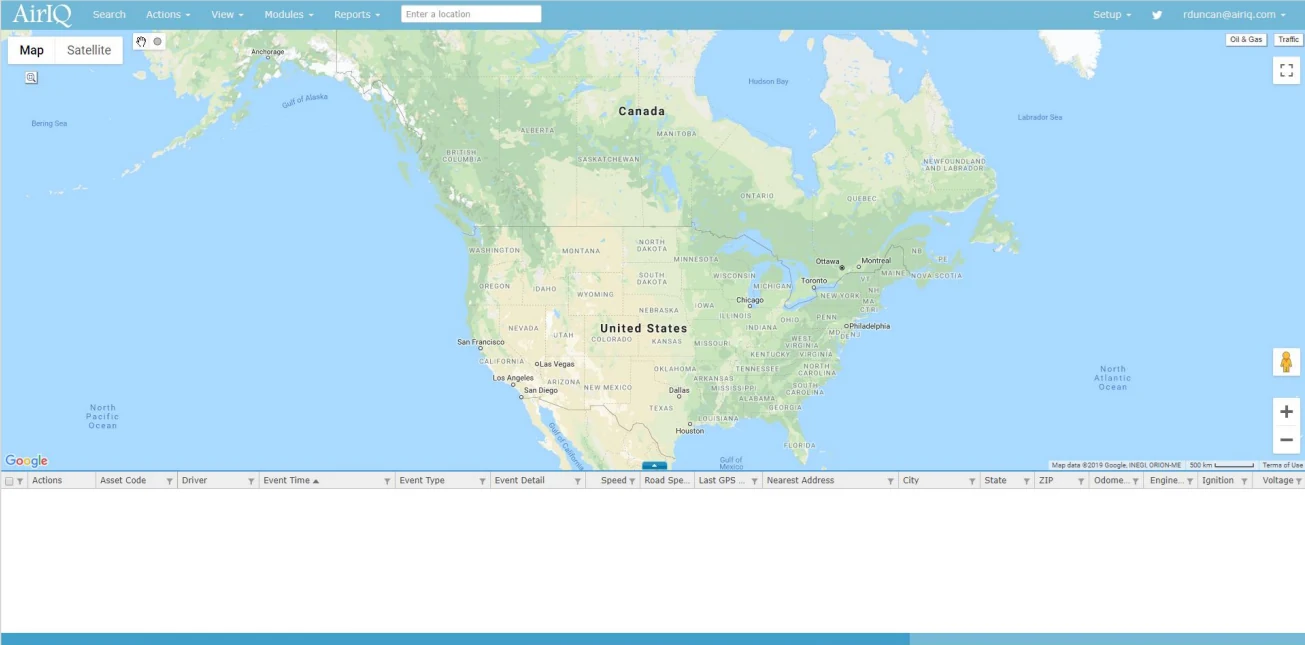
Upon successful login, the new AirIQ Fleet will appear with a map of North America:
On your first login, you’ll notice a features and tips banner – hover over it to close it

New Twitter notifications are displayed by a flashing Twitter logo in the top right corner that pulsates if there are new tweets available. Tweets usually include system updates and notifications regarding any changes made to AirIQ Fleet, such as new features or UI updates